
Quick Start Guide
1
Device ID (Optional)
Enter your device ID in the top toolbar if you want to configure a specific device
2
Select Mode
Choose a configuration mode from the left panel
3
View Buttons
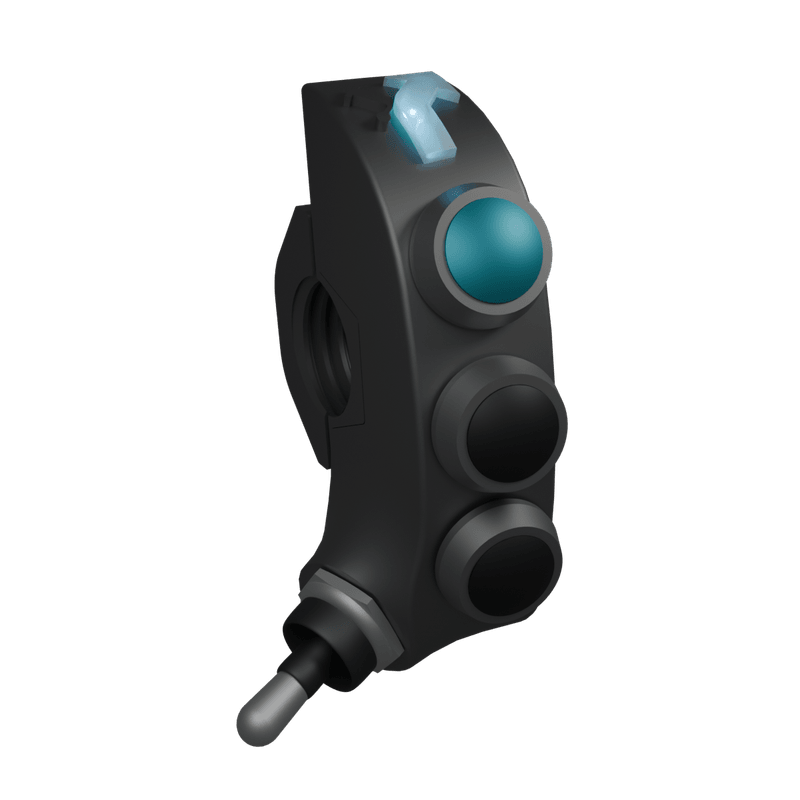
Click device buttons to view their default actions in demo mode.
4
Demo Mode Active
Provide a Device ID above to switch to configuration mode and save changes.
Device Modes
Default
Simple
Basic navigation control
Default
Advanced
Enhanced control features
Default
Navigation
GPS and roadbook optimized
Default
Music
Media control interface
Custom
Custom 1
Fully customizable mode
Custom
Custom 2
Additional custom mode
Button Actions
No Mode Selected
Choose a mode from the left panel to begin button configuration